
📱 Introduction: Why iPhones Overheat and Why You Shouldn’t Ignore It
If you’ve ever felt your iPhone getting too hot to touch, you’re not alone. iPhone overheating is a common issue that can happen to any model — from the iPhone 15 and 16 to the latest iPhone 17 Pro and 17 Pro Max.
When your iPhone overheats, it doesn’t just feel uncomfortable — it can lead to performance throttling, battery drain, screen dimming, and in extreme cases, even hardware damage. Understanding why your iPhone gets hot and learning how to fix and prevent it can help you extend its life and maintain optimal performance.
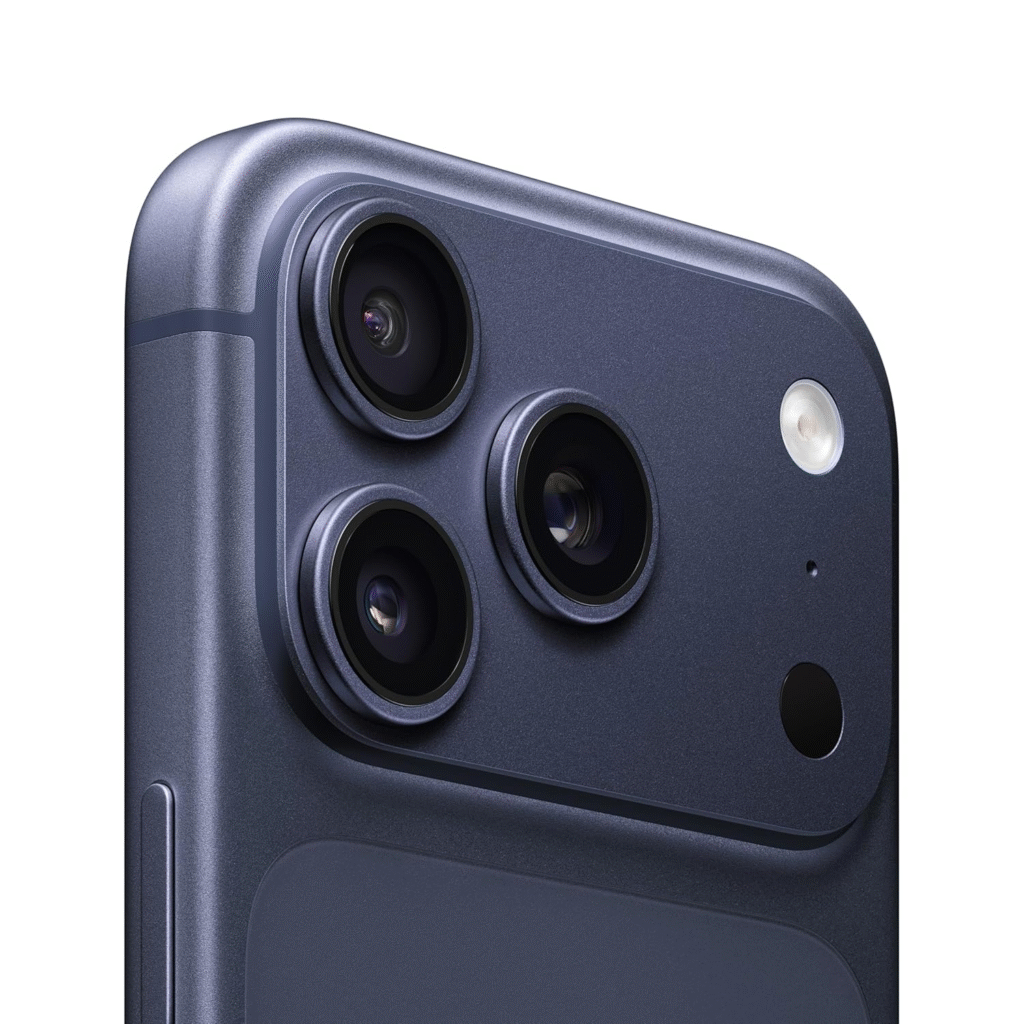
⚙️ Common Causes of iPhone Overheating
1. Intensive Usage or Heavy Apps
Running multiple apps, high-graphic games, or 4K video recording can push your iPhone’s processor to the limit. The A-series chips are powerful, but sustained heavy use generates heat quickly.
2. Background Processes & App Refresh
Many users forget to close unused apps. These background processes continuously consume power and data, which can cause your iPhone to overheat even when idle.
3. Hot Environment
Exposure to direct sunlight, car dashboards, or heat-intensive environments can make your iPhone’s temperature soar. Apple recommends keeping iPhones between 32°F and 95°F (0°C to 35°C) for optimal performance.
4. Charging Habits
Using your iPhone while charging, especially with non-Apple chargers or cables, can create excess heat. Wireless charging also generates more heat than wired charging.
5. Software Bugs or iOS Updates
Certain iOS versions or bugs can cause background tasks to loop or consume high CPU power, resulting in overheating issues.
6. Poor Ventilation or Case Design
Using thick or non-breathable phone cases can trap heat inside, preventing proper dissipation during prolonged use.
🧊 Effective Fixes to Cool Down an Overheating iPhone
1. Close Unused Apps
Double-tap the home button (or swipe up from the bottom on Face ID models) and close unused apps to reduce background CPU usage.
2. Turn Off Background App Refresh
Go to Settings → General → Background App Refresh and disable it for apps that don’t need it. This reduces unnecessary system load and heat generation.
3. Lower Screen Brightness
High brightness is a silent battery-and-heat killer. Turn on Auto-Brightness or manually reduce brightness from the Control Center.
4. Avoid Using iPhone While Charging
Let your iPhone rest during charging. If possible, use original Apple cables and adapters and avoid charging it in direct sunlight.
5. Enable Low Power Mode
Head to Settings → Battery → Low Power Mode. It minimizes background processes and reduces power consumption — helping your iPhone stay cool.
6. Disable Location Services Temporarily
Go to Settings → Privacy & Security → Location Services and turn off unneeded apps. Constant GPS usage keeps the CPU active, creating extra heat.
7. Remove the Case While Charging or Gaming
Thick cases trap heat. Removing your case during charging, gaming, or video streaming helps your iPhone cool down faster.
8. Restart or Update iOS
Restarting clears temporary memory issues. If overheating started after an iOS update, check for a newer patch — Apple often releases fixes for thermal management.
9. Reset Settings (Last Resort)
If none of the fixes work, go to Settings → General → Transfer or Reset iPhone → Reset All Settings. This won’t delete your data but restores performance parameters.
🔋 How Overheating Affects Your iPhone
- Battery Health Degradation: High temperatures permanently reduce battery capacity, making your iPhone drain faster over time.
- Performance Throttling: iPhones automatically lower processing power when hot to prevent internal damage.
- Screen Dimming: The display brightness decreases when the device gets too warm.
- Camera Limitations: You might see warnings like “Flash is disabled: iPhone needs to cool down before you can use the flash.”
- Device Shutdown: If your iPhone becomes excessively hot, it may shut down automatically to prevent hardware damage.
🌡️ How to Prevent iPhone Overheating in the Future
- Avoid using your phone in direct sunlight or inside cars on hot days.
- Don’t use power-hungry apps while charging.
- Regularly clean background apps and unwanted files.
- Turn off Bluetooth, AirDrop, and Wi-Fi when not needed.
- Use original Apple chargers and avoid cheap third-party accessories.
- Keep your software updated — Apple refines power and heat management with every iOS release.
- Avoid thick, poorly ventilated cases if you live in warmer regions.
💡 When to Seek Professional Help
If your iPhone continues overheating despite all preventive measures, it may be a hardware or battery defect. Visit an Apple Authorized Service Center to have diagnostics done — especially if the device heats up even when idle or turned off.
🏁 Conclusion
iPhone overheating can be frustrating, but it’s preventable with proper care and smart usage habits. By keeping your device cool, managing apps wisely, and ensuring proper charging practices, you can extend your iPhone’s battery life, maintain performance, and prevent long-term damage.
A well-maintained iPhone isn’t just faster — it’s safer and lasts longer.
Read more at TheNextGadgets.com